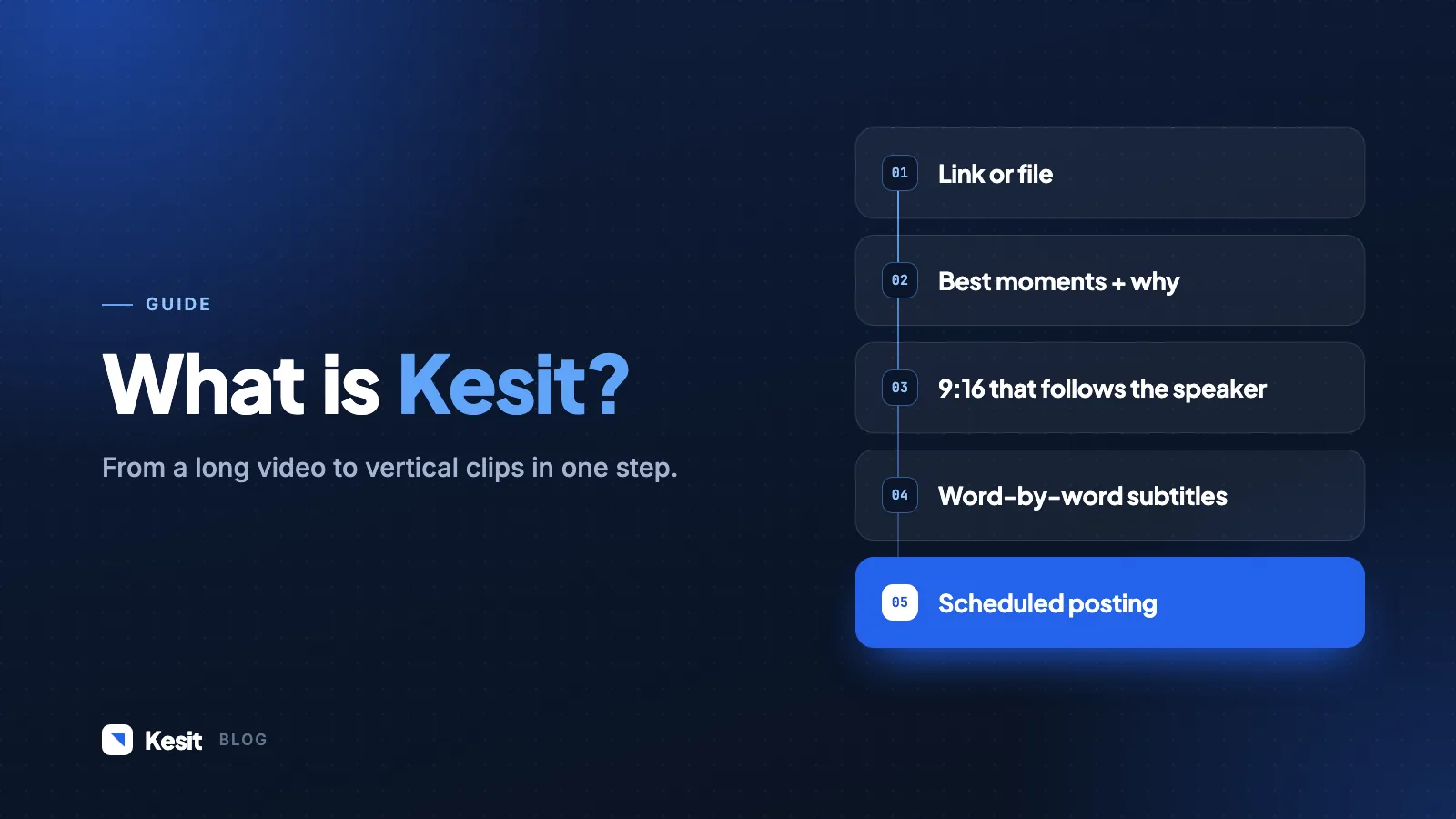
BeamTake takes a long video (a podcast, a live stream, a lecture, an interview) and turns its strongest moments into vertical, subtitled clips that are ready to post. In this post we explain what it does and how one video becomes clips in five steps.
How does it work?
- Paste a link or upload a file. It can be YouTube, Twitch or your own recording.
- The best moments are picked. Each clip comes with the reason it was chosen; hide the ones you don't want with one click.
- It's reframed to 9:16. The frame follows whoever is speaking, with no black bars.
- Subtitles are added. Word by word, with highlights, in the style you like.
- It's posted on a schedule. Plan your clips for Shorts, Reels and TikTok.
Who is it for?
| Who | What they get |
|---|---|
| Podcasters | A week of short videos from every episode |
| Educators | Single-topic pieces from a long lecture |
| Streamers | The liveliest moments of the stream |
What's next?
In upcoming posts we'll cover each of these steps in detailed guides: picking the right moment, subtitle styles and the posting calendar. Until then, you can try your first two clips without signing up.
B
BeamTake Team
From the BeamTake team. We build tools that turn long recordings into short videos and write up what we learn here.